Bad Addresses Never Get In
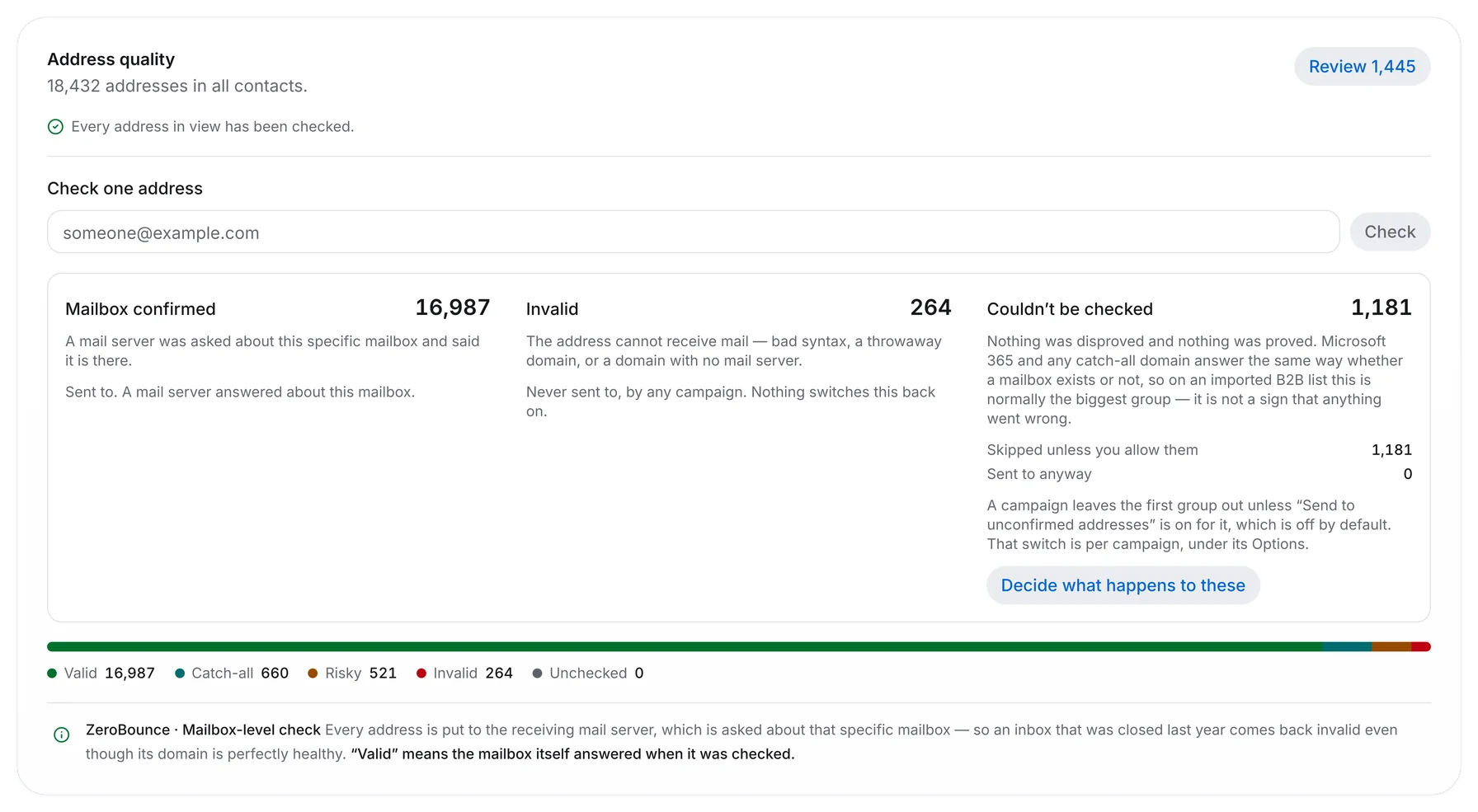
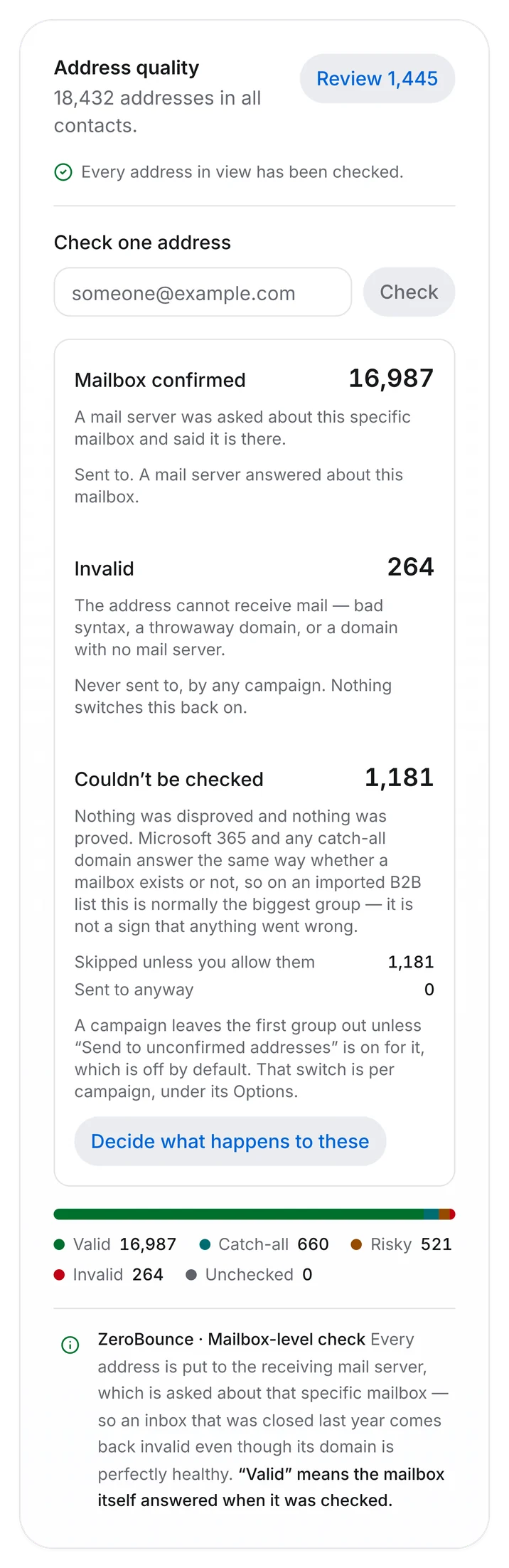
Verification after the fact is damage control. Outfrank checks every address while your file is still uploading, so invalid rows never reach a campaign and never cost you a send.







Checked While The File Uploads
Drop a CSV and watch the rows resolve in real time. Valid addresses land in your list, catch-alls are flagged so you can decide, and the rest never make it past the import screen.
Eight Things We Check
Every row, every import, before anything is written to your list.
Syntax and formatting
Malformed addresses, stray whitespace and pasted display names are cleaned or dropped.
MX records
The domain must actually be able to receive mail. Parked and expired domains fail here.
SMTP handshake
We ask the receiving server whether the mailbox exists, without delivering anything.
Role addresses
info@, sales@ and support@ are flagged — they complain more and convert less.
Disposable domains
Throwaway providers are matched against a list we refresh daily.
Catch-all detection
Domains that accept everything are marked separately so you choose whether to risk them.
Duplicates
Merged across the whole workspace, not just the file, keeping custom fields from both rows.
Suppression rules
Current customers, past opt-outs and competitor domains are removed before import completes.
Hygiene Questions
What people ask about the list before they upload it.
Should I send to catch-all domains?
Sometimes. A catch-all accepts everything, so validity is unknown rather than bad. We flag them separately and let you send to them in a lower-volume segment if the accounts are worth it.
Do you store the addresses you reject?
Only the hash, so a re-import of the same bad row is caught instantly without us holding data you never wanted. Rejected rows are downloadable for 30 days, then deleted.
How often should I re-verify?
B2B lists decay roughly 2% a month as people change jobs. Outfrank re-checks any contact that has not been emailed in 90 days automatically, before the next send.
Can I verify a list I send elsewhere?
Yes. Import, let it verify, then export the cleaned file. Plenty of people start with us that way before they move their sending across.
Start Sending With Outfrank
Import a list, connect an inbox, and send your first campaign today. No credit card, no sales call.